Ledger Live for Bitcoin With Cold Storage and Everyday Access
Ledger Live, now called Ledger Wallet, is where most Ledger owners manage their bitcoin. The app shows your BTC balance, builds transactions and lets you pick the fee. Your private keys stay on your Ledger device the whole time.
That combination is the reason Ledger is a default choice for long-term holders. You get cold storage for your bitcoin without giving up a simple way to send and receive it.
Here is how Bitcoin works inside Ledger Live, which account type to pick, and the checks that keep each transaction safe.
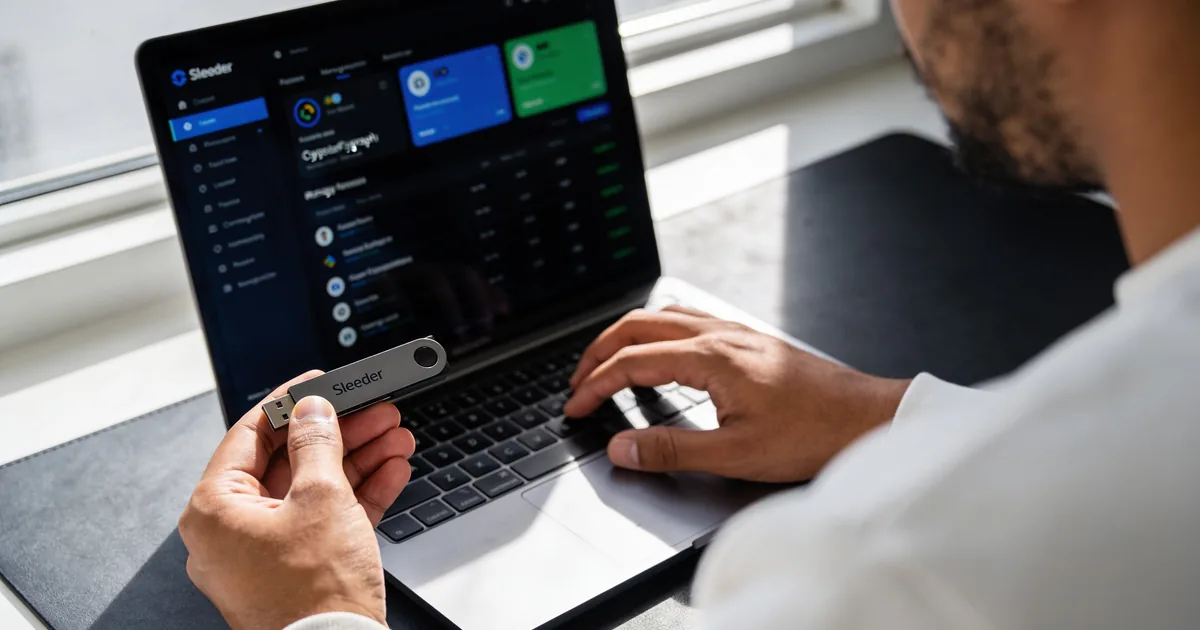
Setting Up a Bitcoin Account in Ledger Live
You need two things: the Bitcoin app installed on your Ledger device, and a Bitcoin account added in Ledger Live. Both take a minute.
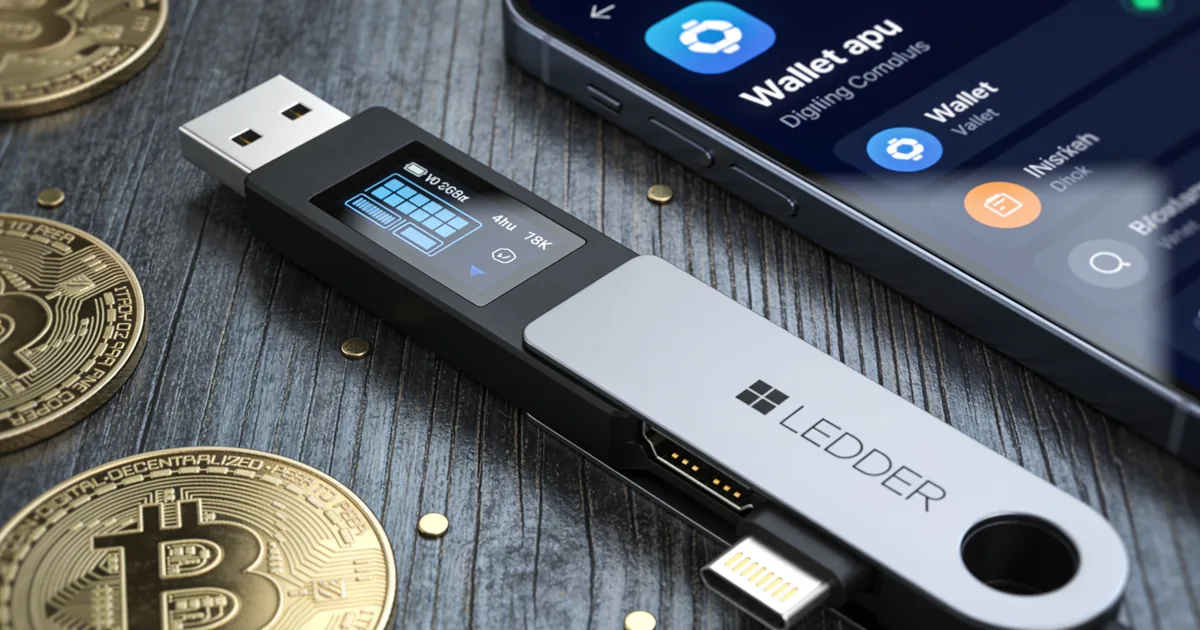
Installing the Bitcoin app on your device
Open My Ledger in Ledger Live, connect and unlock your device, and install the Bitcoin app from the catalog. The app lives on the device, not on your computer. It is what lets the Secure Element sign Bitcoin transactions.
Adding your account
Go to Accounts, choose Add account, select Bitcoin and let Ledger Live scan for existing addresses. If you restored a wallet, your old balances appear automatically. If it is new, you get an empty account ready to receive.
Native SegWit, Taproot or Legacy: Which Account Type to Use
Ledger Live supports several Bitcoin address formats. They all hold the same BTC, but they differ in fees and compatibility.

The main address formats
- Native SegWit (addresses start with bc1q): the default, with lower fees and wide support
- Taproot (addresses start with bc1p): the newest format, good for privacy and future features
- Nested SegWit (addresses start with 3): useful for old exchanges that do not accept bc1 addresses
- Legacy (addresses start with 1): the oldest format, with the highest fees
For most people, Native SegWit is the right choice. Pick another format only when a sender or service asks for it. You can also keep several accounts of different types side by side in Ledger Live, for example a Native SegWit account for daily use and a Taproot account for savings.
Receiving Bitcoin Safely
Receiving BTC looks simple, and it is. But one step matters more than the rest: checking the address on your device.
Verify the address on the Ledger screen
When you click Receive, Ledger Live shows an address and asks you to confirm it on the device. Compare the two characters by character, at least the beginning and the end. Malware can swap the address on your computer screen. It cannot change what the Secure Element displays.
Why Ledger Live gives you a new address each time
Bitcoin wallets rotate addresses to protect your privacy. Old addresses still work and still belong to you. A fresh one just makes it harder for others to link your payments together.
Sending BTC and Choosing the Right Fee
Bitcoin fees depend on transaction size and how busy the network is, not on the amount you send. Ledger Live lets you choose how fast you want the payment confirmed.
Fee options
- Slow: cheapest, fine when you are not in a hurry
- Medium: a balanced choice for most payments
- Fast: for when you need confirmation in the next blocks
- Custom: set your own rate in satoshis per virtual byte
Coin control for advanced users
Ledger Live includes coin control in the advanced send options. It lets you choose which UTXOs, the individual pieces of bitcoin you received, go into a transaction. This helps with privacy and with keeping fees lower when you have many small inputs.
Moving Bitcoin From an Exchange to Your Ledger
Most people buy their first bitcoin on an exchange. Moving it to a Ledger is the step that turns it into real self-custody.
Step by step
- Open your Bitcoin account in Ledger Live and click Receive
- Verify the address on your Ledger screen
- Copy the address into the exchange’s withdrawal form
- Choose the Bitcoin network, not a wrapped version on another chain
- Confirm the withdrawal and wait for network confirmations
The balance shows up in Ledger Live once the transaction reaches the blockchain. Most exchanges send within minutes to a few hours, depending on their own processing.
Send a test amount first
For the first withdrawal, send a small amount and check that it arrives. It costs one extra network fee, but it removes the risk of a typo or a wrong network on a large transfer. After that, send the rest with confidence.
Doing More With Your BTC in Ledger Live
Holding is the main use, but Ledger Live also lets you buy, swap and even borrow against bitcoin, with every step confirmed on your device.
Buying and swapping bitcoin
The Buy section compares quotes from third-party providers, and the BTC goes straight to your own Ledger address. In Swap, you can exchange BTC for ETH, stablecoins or other assets through partners, with the rate and fees shown before you sign.
Borrowing against bitcoin
Since October 2026, Ledger Live supports crypto-backed loans through Yield.xyz on Morpho. You use wrapped bitcoin, cbBTC or wBTC, as collateral and borrow USDC or USDT. It keeps your BTC exposure, but it adds liquidation risk if the price falls, so borrow carefully.
Bitcoin Fees and Timing: Practical Tips
Fees on Bitcoin change through the day and the week. A little timing can save a noticeable amount, especially if you move BTC often.
When fees are usually lower
- Weekends and quieter hours tend to have less demand for block space
- Fees spike during market rallies, big crashes and popular token or inscription launches
- Native SegWit and Taproot transactions are smaller, so they cost less than Legacy ones
- Combining many small inputs costs more, so consolidate when fees are low
If a transaction is taking long
A transaction with a low fee can wait in the mempool for hours when the network is busy. It usually confirms once demand drops. You can follow it on any Bitcoin block explorer by pasting the transaction ID from Ledger Live. Your funds are not lost while it waits.
Why Hardware Storage Matters for Bitcoin
Bitcoin transactions cannot be reversed. If someone gets your private keys, there is no bank to call and no chargeback.
What a Ledger protects you from
- Malware that steals keys from a computer or phone
- Fake clipboard addresses, when you verify on the device
- Exchange hacks and withdrawal freezes, because you hold your own keys
- Remote attacks, since every send needs a physical confirmation
Trust and Official Sources
Ledger has built hardware wallets since 2014 and reports more than 8 million customers. Its security model is open to testing, and its in-house team, Ledger Donjon, publishes research on wallet security.
Security facts you can check
- Secure Element chips certified CC EAL6+ on Nano S Plus, Nano Gen5, Flex and Stax, and CC EAL5+ on Nano X
- Clear Signing and Transaction Check to show what you approve
- Genuine check in Ledger Live to confirm the device is authentic
- Download Ledger Live only from ledger.com or official app store listings by Ledger SAS
- Buy devices from shop.ledger.com or authorized resellers, with warranty terms set by country
- Support and guides at support.ledger.com
Ledger will never ask for your 24-word recovery phrase.
Related Technical Publications & Field Notes
Further investigations and operational protocols published by The Cold Vault Register:
- Ledger Download: First Setup and Secure Cold Storage Ledger Download explains first setup, PIN creation, seed phrase backup, and safe cold storage practices for beginners learning self-custody basics.
- Ledger Live Setup Guide For First-Time Hardware Wallet Users Ledger Live guides beginners through unpacking a hardware wallet, setting a PIN, writing down the seed phrase, and completing the first connection.
- Ledger Wallet Setup: First Launch and Seed Safety Guide Ledger Wallet setup covers unpacking, initialization, PIN creation, seed phrase backup, and the first connection for safe self-custody of crypto.
Frequently Asked Questions
Native SegWit is the best default, with lower fees and wide support. Use Taproot for newer features, or Nested SegWit only when an old service does not accept bc1 addresses.
Ledger Live generates a new address for each receive to protect your privacy. All previous addresses remain valid and belong to the same account.
Ledger Live does not charge a fee for sending. You pay only the Bitcoin network fee, which depends on transaction size and network demand.
Yes, the Buy section compares offers from third-party providers. The bitcoin is sent straight to an address controlled by your Ledger device.
It depends on the fee you choose and network demand. With a medium fee, most transactions confirm within an hour, while a slow fee can take several hours on busy days.
Yes, every current Ledger device supports Bitcoin, including the Nano S Plus. It connects to Ledger Live desktop over USB.
Yes, a Ledger is designed for long-term cold storage. Its safety depends on keeping your 24-word recovery phrase offline and private.